
RF
How SAP EWM’s Radio Frequency framework puts the right menu and screens in front of each warehouse worker — Menu Manager, Presentation and Personalization Profiles, step by step. Part of the SAP EWM reference guide; RF is how workers execute the Warehouse Orders the system creates.
-

Your Picker Scans Four Barcodes to Move One Pallet. Three Are Pointless.
Four scans for a ten-metre pallet move is a default, not a requirement. What a verification profile is, why the determination step is the one people skip, and how to cut four scans to two without losing the check that matters.
-
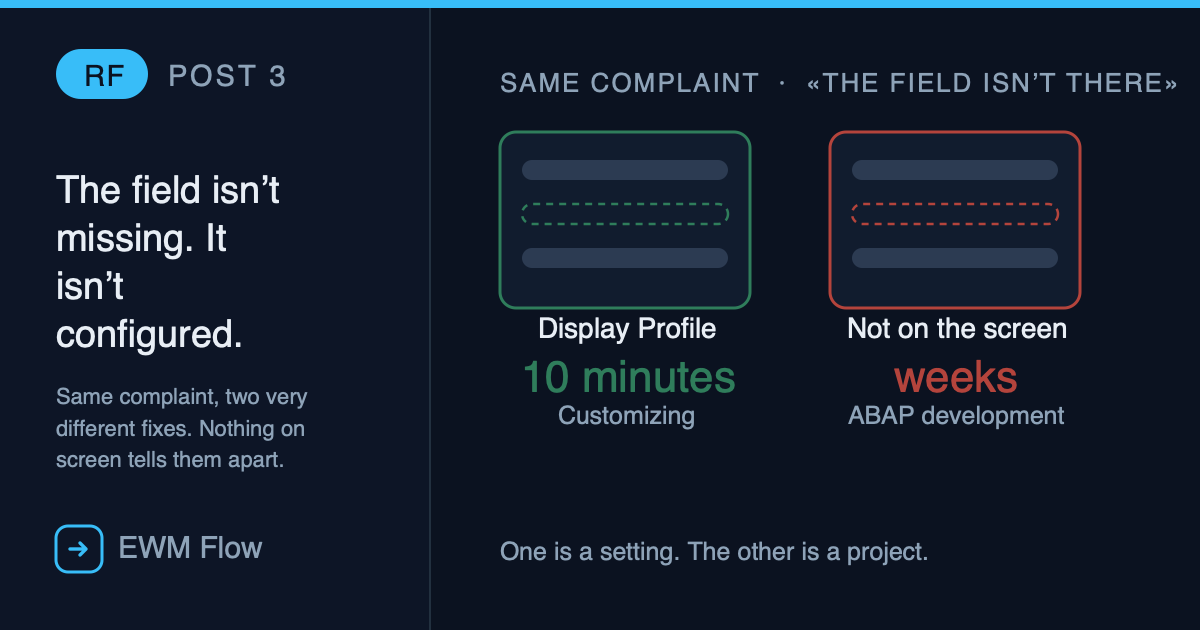
That Field Isn’t Missing. It’s Not Configured.
Leer este post en español → Two RF screens are missing a field. Same complaint from the floor, same screenshot in the ticket: “the field isn’t there.” One of them is a ten-minute Customizing change. The other is a genuine ABAP development, with a spec, a transport and a developer’s time. Nothing on the worker’s…
-
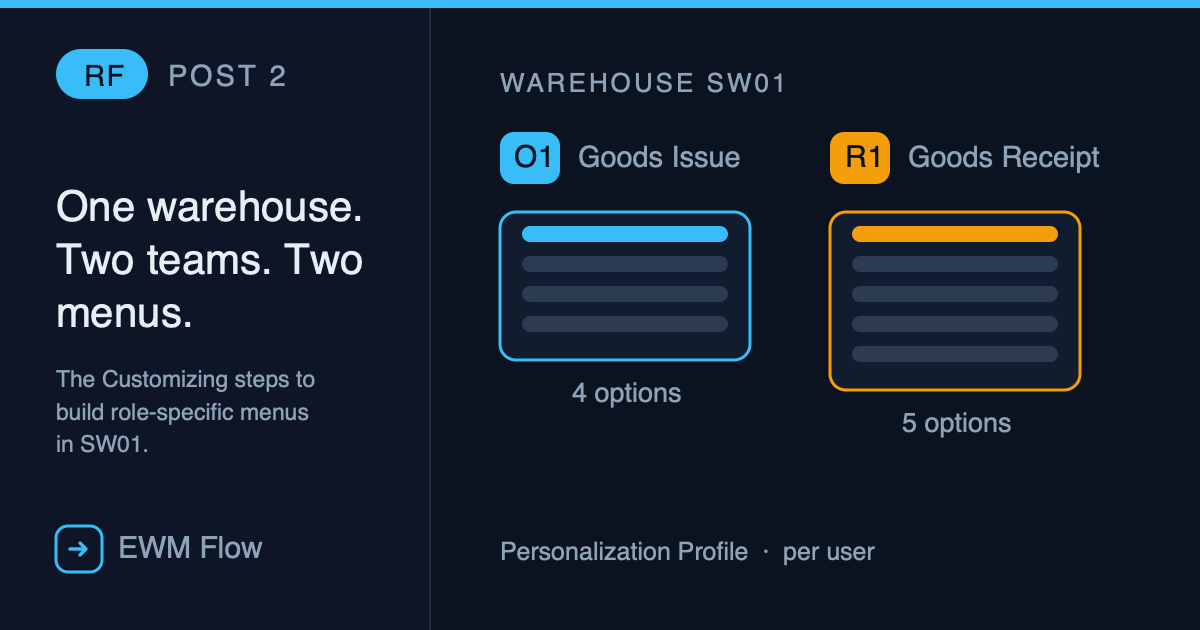
How to Build a Personalization Profile in RF (Step by Step)
The real Customizing steps to build role-specific RF menus in warehouse SW01 — creating O1 (Goods Issue) and R1 (Goods Receipt) personalization profiles from scratch.
-
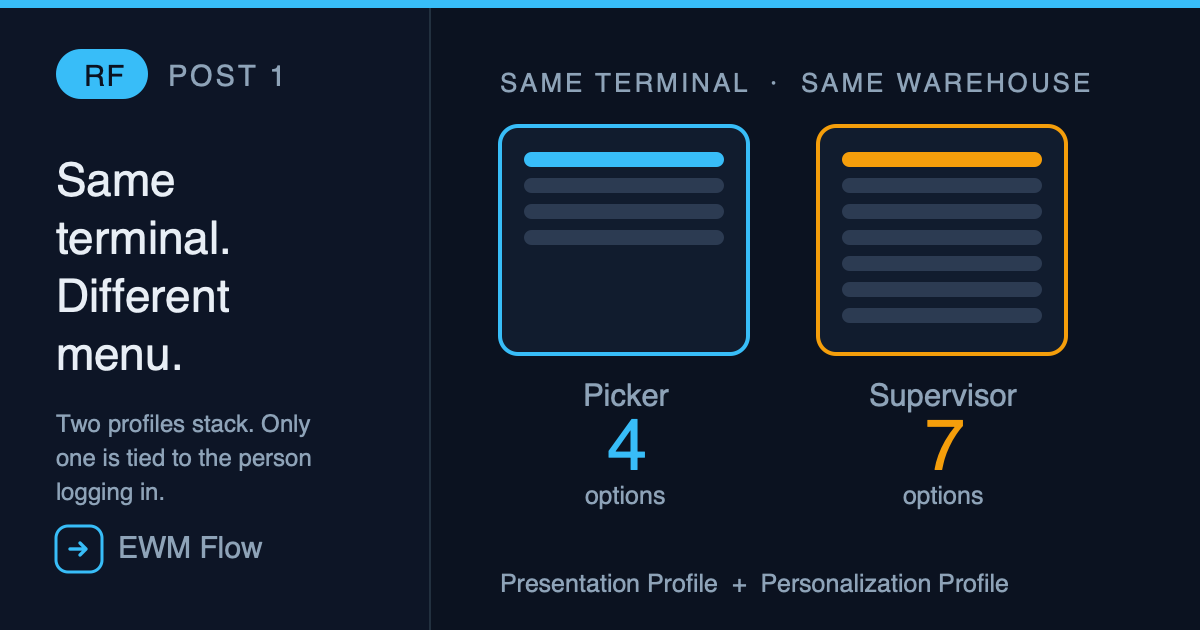
Why Does Every Warehouse Worker See a Different RF Menu?
A picker sees four RF menu options. The supervisor next to them, same warehouse, same terminal, sees seven. Not a bug — Presentation Profile and Personalization Profile stacking exactly as configured.